
If you’re self-employed or receive income from property, there’s an important change you need to be aware of right now. Making Tax Digital for Income Tax Self Assessment (MTD for ITSA) is a legal requirement from 6 April 2026 for those above the first income threshold, and the rollout is set to widen over the next two years.
Here’s what it means, who’s affected, and what you need to do.
What is MTD for Income Tax?
Making Tax Digital for Income Tax is part of HMRC’s drive to modernise the UK tax system. Instead of completing a single annual Self Assessment return, qualifying individuals must:
- Keep digital records of income and expenses using MTD-compatible software
- Submit quarterly updates to HMRC throughout the year
- Complete a final annual declaration at the end of the tax year
It’s a significant shift from the once-a-year return many sole traders and landlords are used to, but with the right setup, it doesn’t have to be complicated.
Who needs to comply, and when?
The rollout is phased by gross income from self-employment and/or property:
- 6 April 2026 – mandatory if turnover exceeded £50,000 in the 2024/25 tax year (this is now in effect)
- 6 April 2027 – mandatory if turnover exceeded £30,000 in the 2025/26 tax year
- 6 April 2028 – mandatory if turnover exceeded £20,000 in the 2026/27 tax year
If you’ve recently received a letter from HMRC about Making Tax Digital, that’s almost certainly why HMRC has been contacting those approaching or above the first threshold.
What do you need to do?
If MTD for ITSA applies to you now or will soon, there are four key steps:
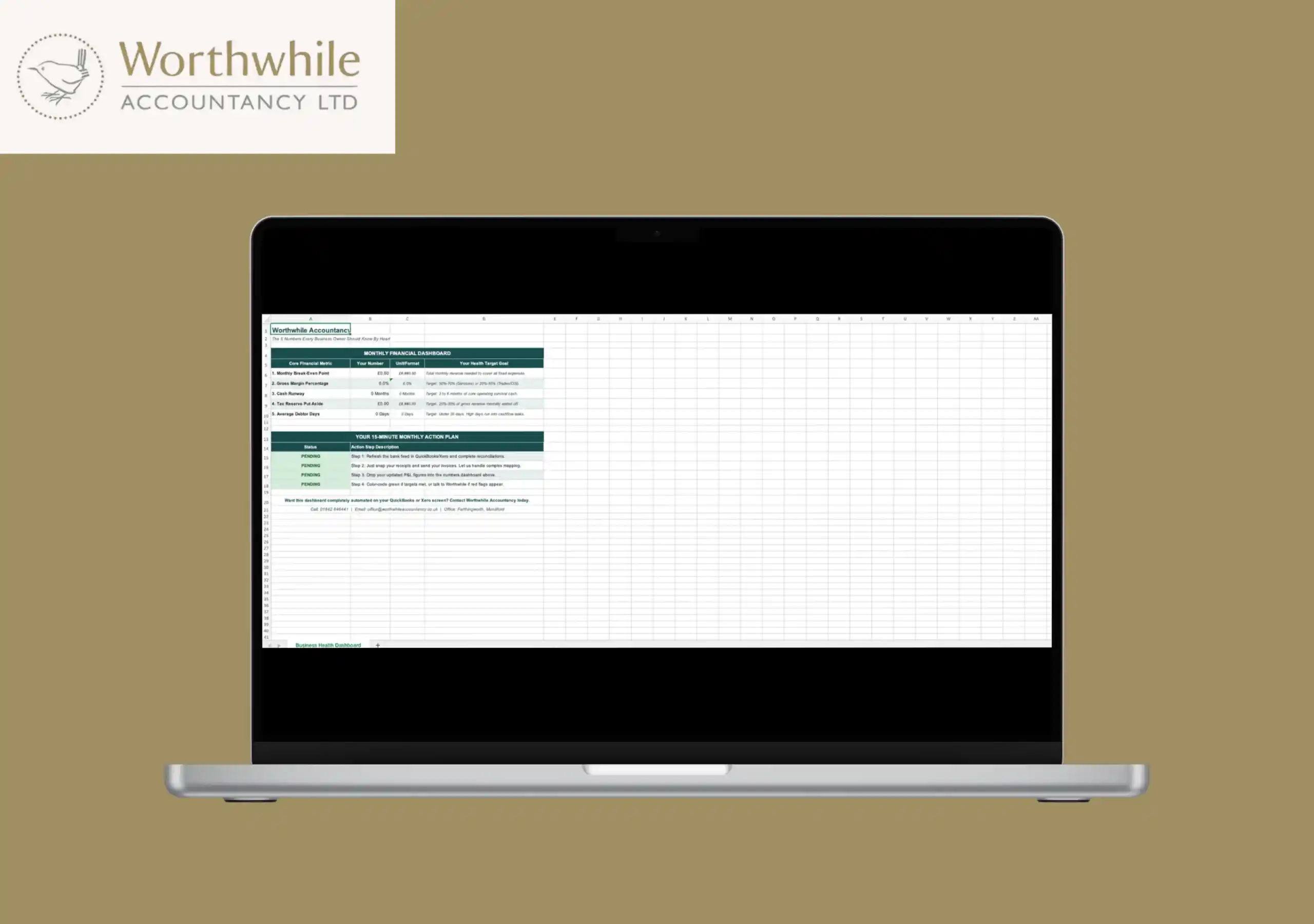
- Choose MTD-compatible software – You’ll need HMRC-approved software such as Xero, QuickBooks, Sage, or IRIS to keep digital records and submit quarterly updates. Spreadsheets can be used, but only if linked to compatible bridging software.
- Authorise your accountant – If you use an accountant, you’ll need to authorise them through your HMRC digital account so they can manage your MTD submissions on your behalf.
- Sign up for MTD for Income Tax – You (or your accountant) will need to formally enrol through HMRC’s portal before submissions can begin. HMRC’s YouTube channel has a short video walking you through the sign-up process.
- Start submitting quarterly updates – Once enrolled, you’ll submit four updates per year covering income and expenses for each quarter, followed by a final annual declaration confirming your total tax position.
What about penalties?
HMRC has confirmed a soft landing for the 2026/27 tax year: late submission penalties will not apply to quarterly updates in that first year. However, penalties will still apply if you miss the final annual declaration.
This grace period is designed to allow businesses to get their systems in place, not as a reason to put things off. From year two, the standard MTD penalty regime applies.
What about landlords and joint property owners?
If you jointly own a rental property, both owners may need to register for MTD for ITSA separately, depending on each person’s individual share of the rental income. HMRC has produced specific guidance for landlords and joint property owners, and also runs dedicated free webinars on this topic. It’s worth reviewing your situation with an accountant to make sure both parties are covered correctly.
How Worthwhile Accountancy can help
Navigating a new digital tax system on top of running your business or managing your properties is a lot to take on. At Worthwhile Accountancy, we help sole traders and landlords get MTD-ready from the ground up — from choosing the right software and getting it set up correctly, to handling your quarterly submissions and final declaration so you never miss a deadline.
Whether you’ve already had an HMRC letter, you’re not sure if MTD applies to you yet, or you’re preparing ahead of the 2027 or 2028 deadlines. We are here to make the whole process straightforward.
Speak to an accountant today — call us on 01842 646441 or visit our Making Tax Digital page to find out more.